
Every family has a collection of treasures that never quite find a permanent home.
A box of faded photographs tucked away in a closet. Handwritten recipe cards passed down through generations. Letters that capture a moment in time. Maybe even a few records that help tell your family's story. The problem isn't that these memories lack value—it's that they're often scattered across old albums, cloud folders, social media accounts, and hard drives nobody has opened in years.
Building a digital family archive isn't really about storage. It's about creating one place where your family's stories, documents, photos, and memories can live together and remain accessible for years to come.
To find the best options, we focused on native mobile apps available on the US Apple App Store or Google Play Store that emphasize privacy, long-term preservation, and meaningful organization rather than social sharing or short-lived content.
Here are four standout apps worth considering.
Available on: iOS
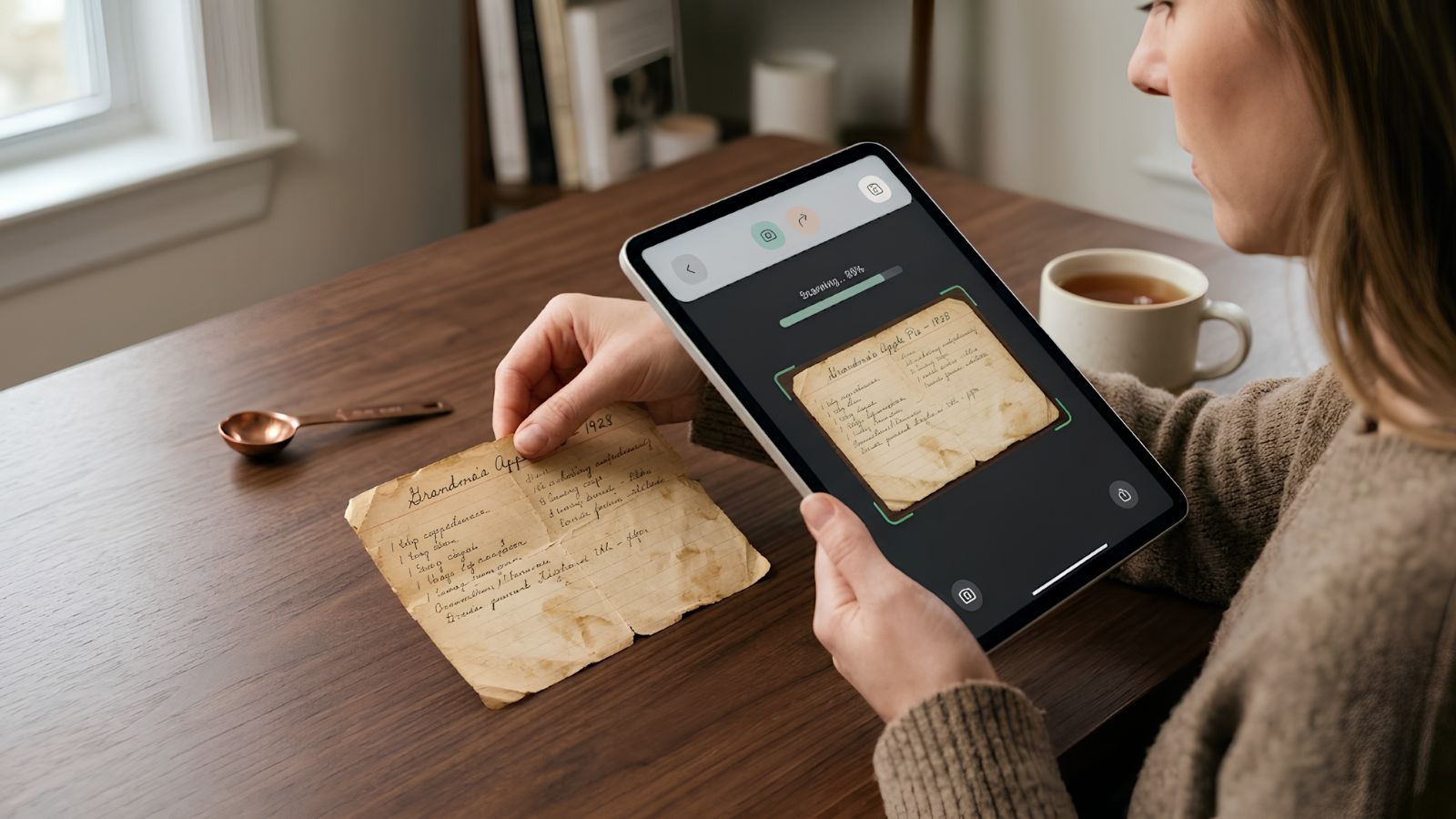
Family Heirlooms feels less like a storage app and more like a digital memory box. Instead of treating everything as just another file, it was designed around the kinds of keepsakes families actually care about—old recipes, handwritten notes, personal letters, and photographs that deserve more context than a date stamp and a folder name.
One feature that immediately stands out is its document-scanning experience. A yellowed recipe card or decades-old letter can be digitized and preserved in a clean, readable format, while family members add stories, explanations, and personal memories alongside it. The result feels surprisingly personal, almost like building a private family museum that everyone can help curate.
Free to get started, with optional premium plans for families that need additional storage space.
Currently available only on iOS.
Larger archives may eventually require a paid storage plan.
Some of the most important family history was never written down.
It's the story your grandfather tells about immigrating to a new city. The memory your grandmother shares when she looks at an old photograph. The details that rarely make it into official records but often become the stories future generations treasure most.
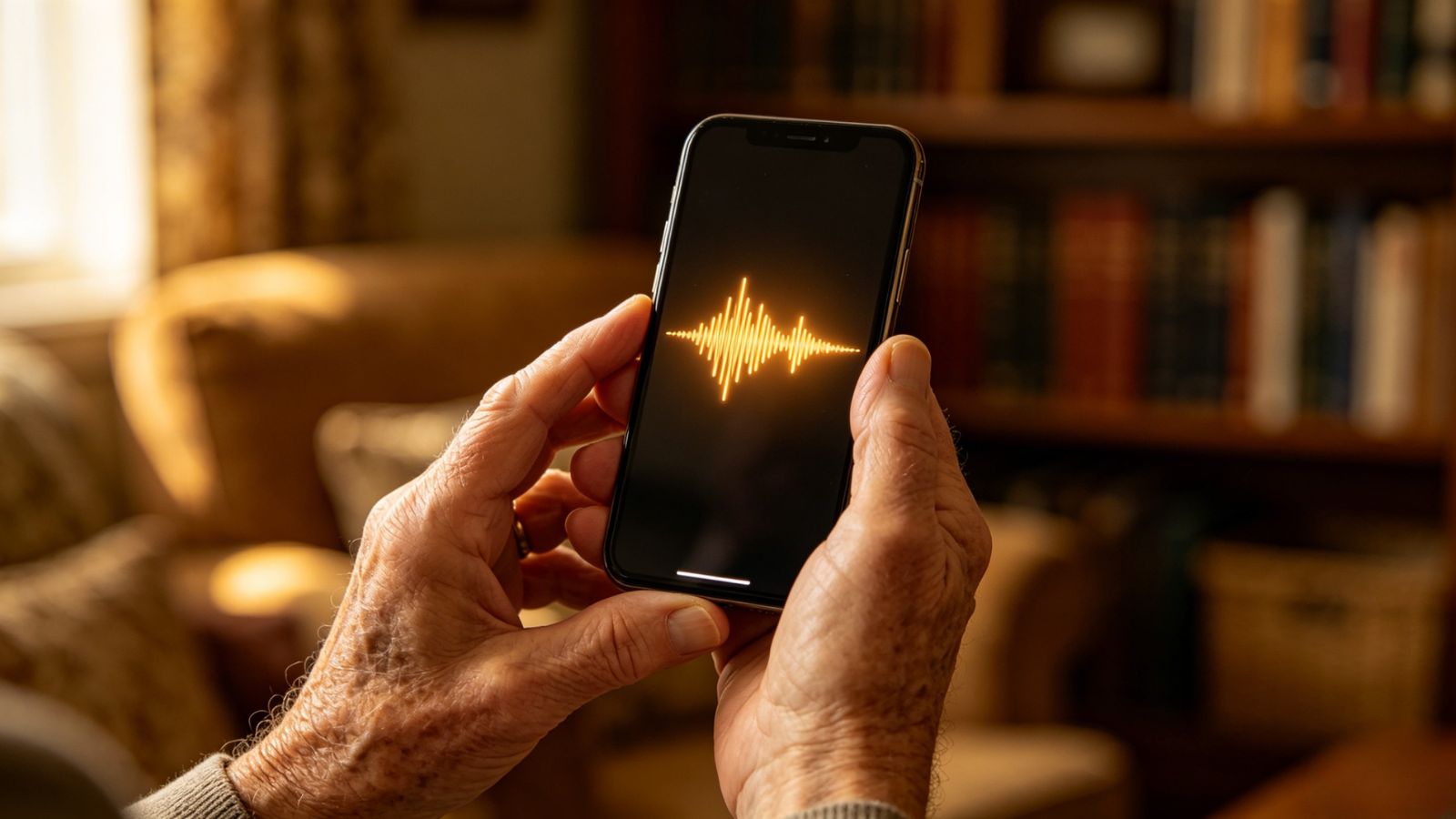
Memory Murals leans into that idea. You can record conversations and oral histories directly in the app, and its transcription tools automatically convert those recordings into searchable text. Instead of digging through hours of audio, family members can search for names, places, or events just as easily as they would search an email inbox.
For families with a designated "memory keeper," it provides a thoughtful balance between simplicity and depth.
Free, with support for up to 10 invited family members viewing the archive.
Works best when one person manages and organizes the collection.
Sharing features are designed primarily for close family circles rather than large collaborative groups.
If your first question is, "Who can access my family's files?" Ente Photos deserves a close look.
Privacy sits at the center of the experience. Unlike many mainstream cloud platforms, Ente uses end-to-end encryption, meaning your photos, scanned documents, and archived files remain accessible only to people you choose. Even the company itself cannot view your content.
That security-first approach makes it especially appealing for families digitizing large photo collections, historical documents, or personal records they would rather keep completely private. Add cross-platform support and open-source transparency, and you get a platform built for people who value ownership of their data.
It focuses on secure storage rather than genealogy tools.
Families looking for built-in family tree creation or historical record matching may find the feature set somewhat limited.
Subscription-based, with family-sharing options included.

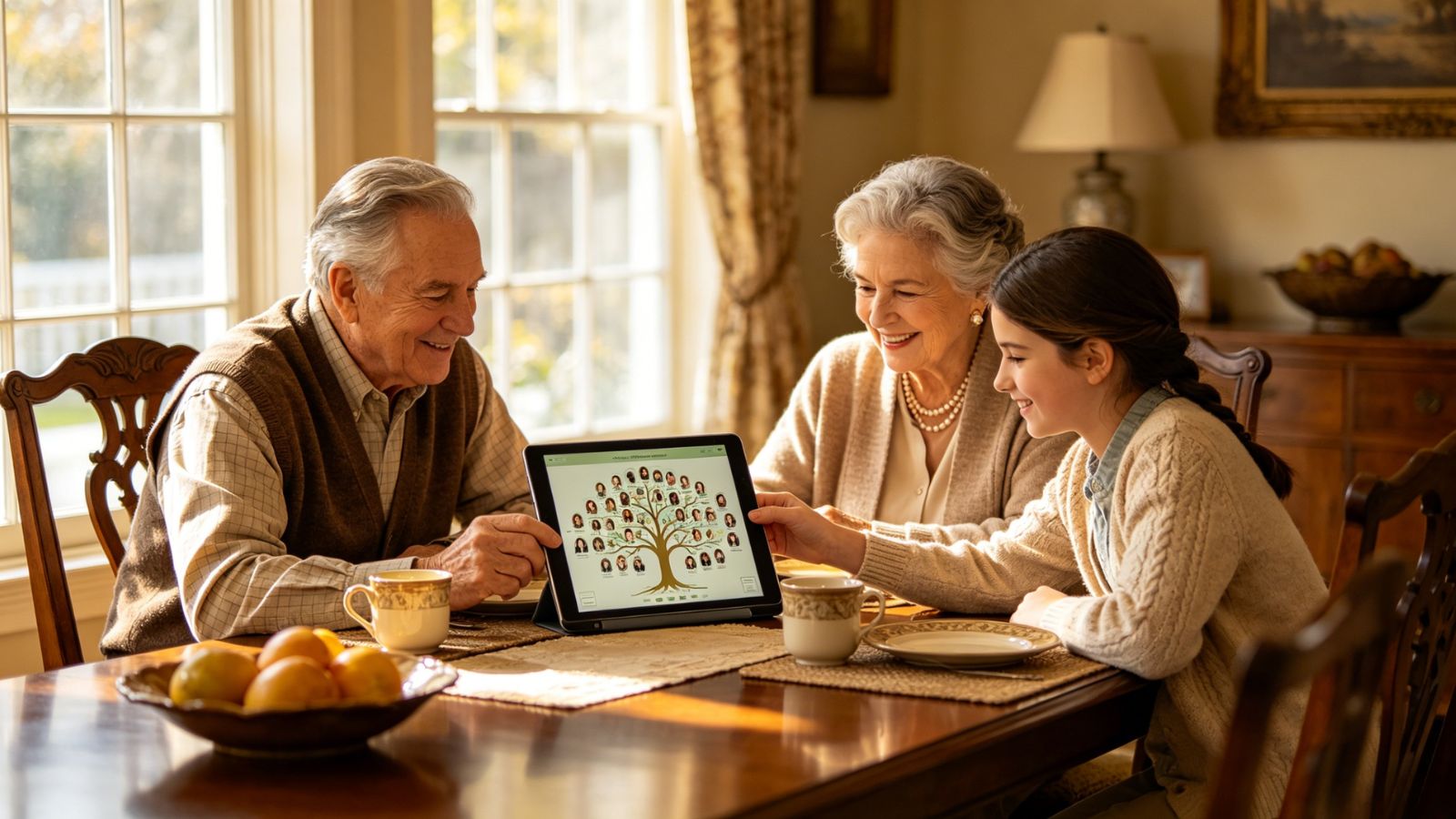
FamilySearch Memories approaches archiving from a different angle. Rather than creating a standalone private vault, it helps connect your photos, stories, documents, and recordings to a larger family history framework.
For families already interested in genealogy, that's a powerful advantage. A photograph isn't just stored—it can become part of a documented family narrative connected to ancestors and historical records. Audio recordings, written stories, and documents can all help build a richer picture of family history for future generations.
Perhaps the biggest draw is accessibility. The platform remains free while offering an infrastructure designed with long-term preservation in mind.
Because the platform connects to a broader family-history ecosystem, families should carefully review what information they choose to upload.
It may feel more genealogy-focused than families simply looking for private document storage.
Free for all core archival and storage features.
The answer depends on what you're trying to preserve.
If your family treasures handwritten recipes, personal letters, and the stories behind physical keepsakes, Family Heirlooms offers one of the most thoughtful experiences available on iOS. If preserving spoken memories is the priority, Memory Murals does an exceptional job of transforming conversations into a searchable family archive.
For families that place privacy above everything else, Ente Photos stands out. Its end-to-end encryption and security-first design make it one of the safest places to store digitized family records, photographs, and personal archives.
And for those who see their archive as part of a much larger family history project, FamilySearch Memories provides a free and remarkably powerful way to connect today's memories with generations past.
After all, preserving a family legacy isn't just about saving files. It's about making sure the stories behind them don't disappear.