
For amateur radio operators, survivalists, and tech enthusiasts, relying on standard cell service is a gamble. The specific pain point for many looking to learn specialized, off-grid communication skills—like Morse code—is the steep learning curve. Memorizing dots and dashes from a static paper chart simply does not work. Morse code is not a visual language; it is a rhythmic, auditory skill. When the time comes to actually use it, the brain needs to instantly recognize sound patterns, not try to recall a visual diagram.
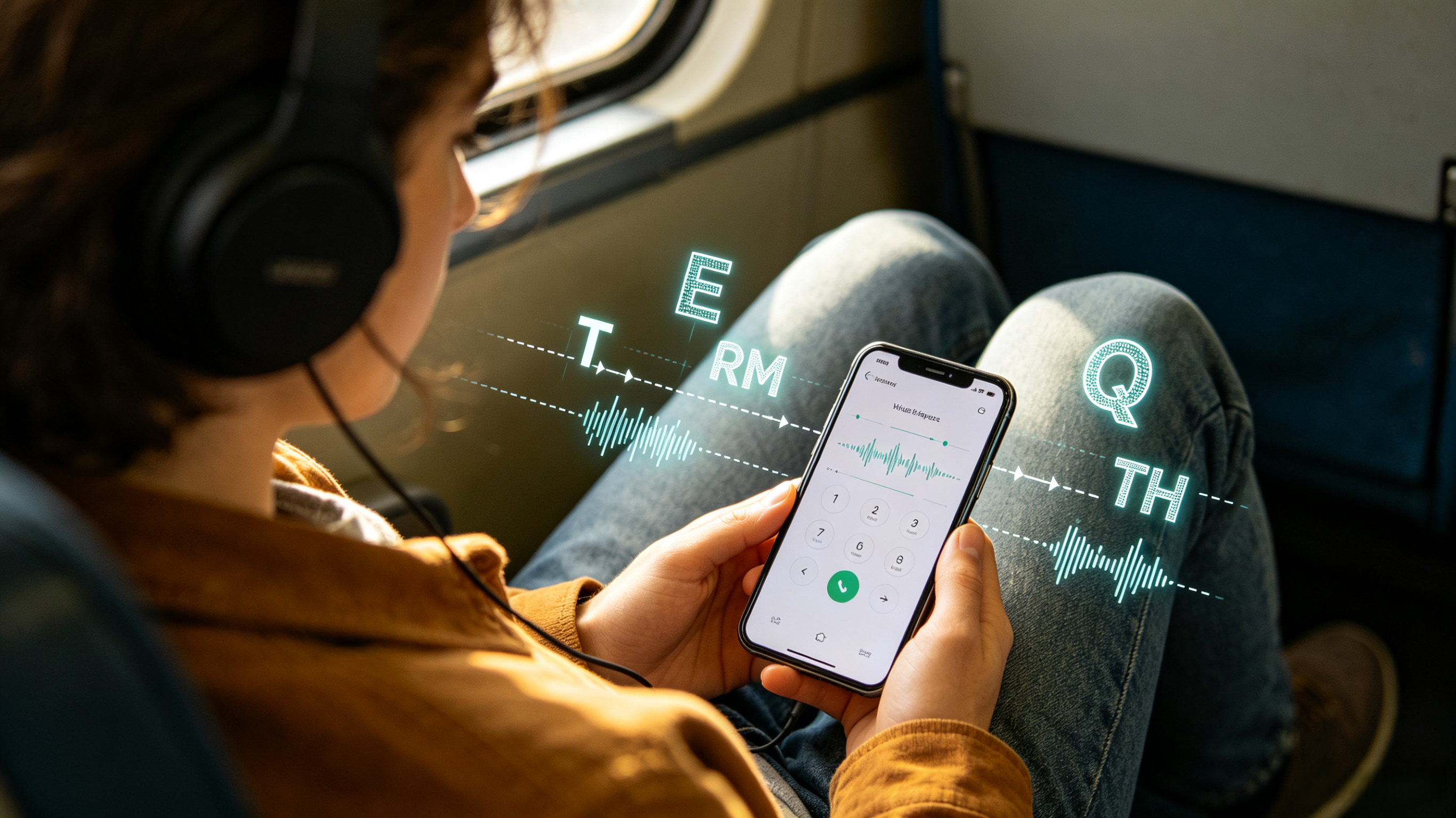
To find the absolute best tools for bridging this gap, tech journalists spent weeks putting mobile Morse code trainers and translators through a rigorous evaluation process. Reviewers bypassed generic "flashcard" apps that rely solely on visual memory, searching instead for platforms that offer adjustable audio frequencies, Farnsworth timing (spacing out characters to build speed), and real-time translation features via flashlight or sound.
During road tests—where these applications were used to translate messages in poor lighting and practice copying code by ear during daily commutes—the evaluation focused on three core benchmarks: audio customization, the effectiveness of the learning curriculum, and offline translation capabilities. Here are the three apps that successfully turn a smartphone into a professional-grade telegraph key.

Pricing Model: Free base app; highly recommended Lifetime Premium upgrade (approx. $3–$4) or a $0.99/month subscription.
Morse Mania is the undeniable heavyweight for individuals who want to learn how to send and receive code through a structured, gamified curriculum. It takes the intimidation out of learning an auditory language by starting incredibly small and building muscle memory.
The core feature that genuinely works is the Adjustable Farnsworth Speed and Audio Frequency engine. When the team tested this app on the train, the ability to tweak the Farnsworth speed—which sends individual letters at a fast, realistic speed but adds longer pauses between the letters—was a game-changer for auditory recognition. The app features 270 levels, starting with just two letters (E and T) and slowly introducing complex Q-codes and prosigns. Furthermore, it supports an external keyboard and simulated paddles, allowing users to practice their "fist" (sending style) with accurate timing.
Pros:
Incredibly granular settings: adjust Words Per Minute (WPM), audio frequency (400 to 1000 Hz), and background noise to simulate real radio static.
Offers five output modes, including audio, blinking light, flashlight, and a highly effective vibration mode for silent learning.
Smart learning algorithm automatically pre-populates custom review levels with the symbols you recently failed.
Cons:
The sheer number of settings and menus can be slightly overwhelming for someone who just wants a quick translation.
Progressing past the foundational levels practically requires the premium upgrade (though at $3-$4 for a lifetime license, it is remarkably cheap).
Availability: Android
Pricing Model: 100% Free.
While Morse Mania focuses heavily on the educational journey, this application is a strictly utilitarian multitool. It is built for users who need a reliable, offline pocket translator first and a learning tool second.
The standout feature that delivers incredible utility is the Real-Time Multi-Sensory Translator. During field testing in low-light environments, the team typed out complete sentences and the app instantly translated them into International Morse Code, transmitting the message perfectly via the phone’s camera flashlight. Conversely, if you hear a code on an amateur radio, you can use the app to log the dots and dashes and translate them back into text. It also features a built-in directory of amateur radio Q-codes, automatically appending the meaning of codes like "QRM" (man-made interference) in brackets during translation.
Pros:
Exceptional translation capabilities that can output via speaker, flashlight, or physical device vibrations.
Supports multiple regional variations of Morse code, including Greek, Japanese, and Russian.
Includes a built-in random text generator, which is perfect for advanced users looking to practice copying long-form broadcasts by ear.
Cons:
The user interface is entirely utilitarian and looks slightly dated compared to modern iOS apps.
The learning module is functional but very basic; it lacks the deep, gamified progression and Farnsworth timing adjustments found in dedicated tutors.
Availability: iOS (Requires iOS 15.0 or later)
Pricing Model: 100% Free.
Morse Toad is a specialized, rapid-fire learning tool built on the legendary Koch method. It strips away all the complex radio-operator settings to focus entirely on fast, brute-force memorization of the alphabet and numbers.
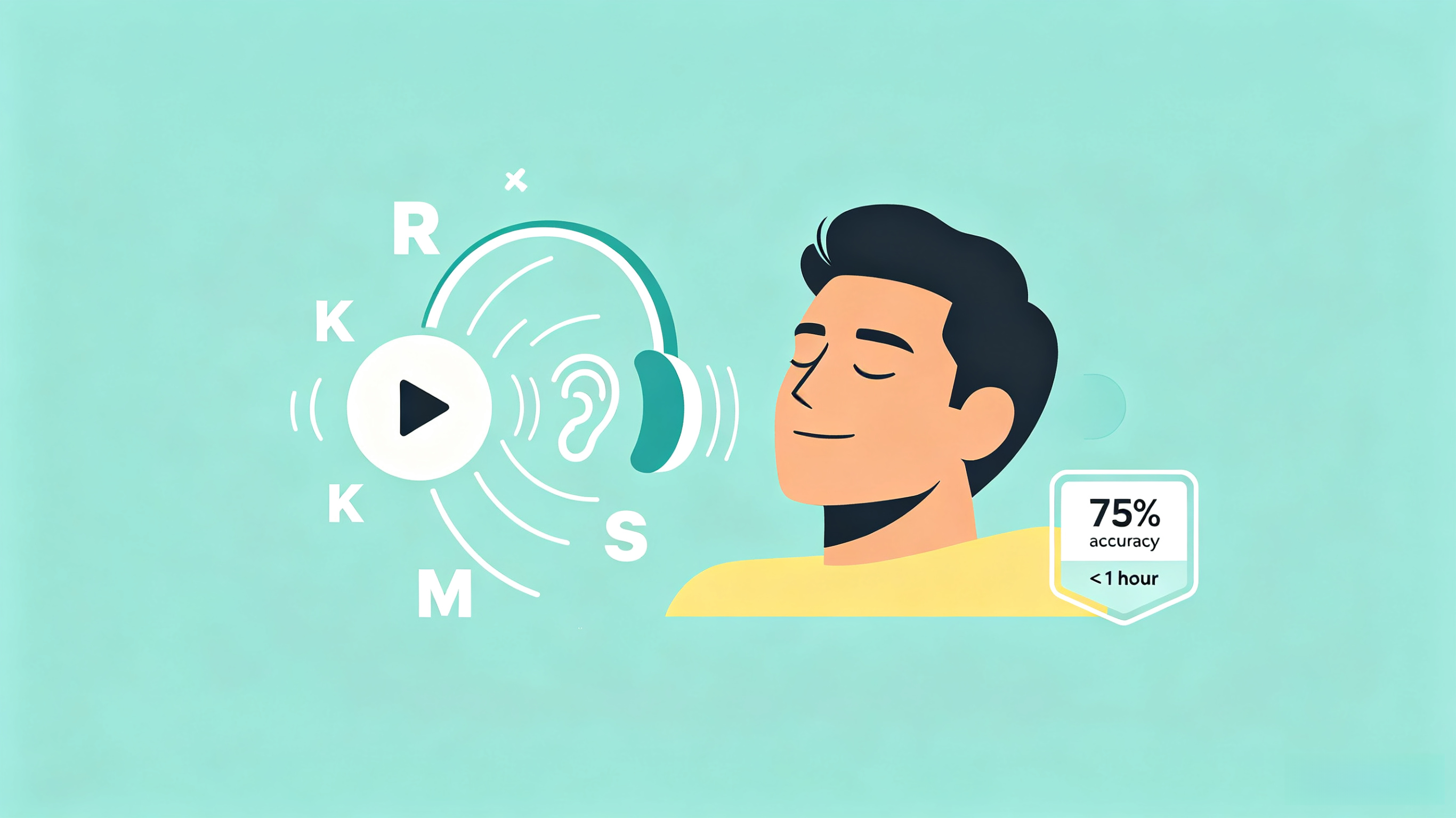
The engine driving Morse Toad’s success is its rigid adherence to the Koch Method Curriculum. Instead of slowing down the audio of the dots and dashes—which teaches bad habits and makes users hit a speed wall later—Morse Toad plays the characters at full speed from day one. When tested by total beginners on the team, the app’s method of teaching one letter at full speed, followed by simple drills and mastery checks, resulted in a 75% accuracy rate for 20 letters in under an hour. It forces the brain to hear the rhythm as a whole sound, rather than counting the individual dots and dashes.
Pros:
The fastest application on the market for getting a total beginner to recognize the core alphabet by ear.
Recently remastered for modern devices, featuring a clean, distraction-free interface with absolutely zero ads.
Requires zero configuration out of the box; users simply open the app and immediately start listening to drills.
Cons:
Strictly a learning tool; it does not offer real-time translation, flashlight broadcasting, or sending practice.
Lacks advanced lessons for prosigns, punctuation, and Q-codes, limiting its usefulness once the user masters the basic alphabet.
Selecting the ideal application comes down to whether the user wants to become a fluent operator or just needs a reliable field tool.
If the goal is purely utilitarian—translating a message to signal a rescue aircraft with a flashlight or decoding an incoming transmission—Morse Code - Learn & Translate is the absolute best choice. It is an indispensable, offline multitool that should be installed on every survivalist's Android device.
However, if the objective is to actually master the language by ear and learn to send it accurately, Morse Mania is the superior application. By combining the rigid audio training required for real-world radio operation with the addictive progression of a mobile game, it successfully transforms a tedious memorization process into an engaging, highly effective curriculum.