
For art history students, culture enthusiasts, and weekend museum-goers, the traditional way of engaging with art is undergoing a transformation. The specific pain point for many is the disconnect between seeing a masterpiece in a gallery—or on a screen—and actually understanding its historical context, the movement it represents, and the life of the artist behind the brush. Whether it's the stark realism of American Regionalism or the sweeping influence of Abstract Expressionism, static plaques in a museum often fail to tell the full story.
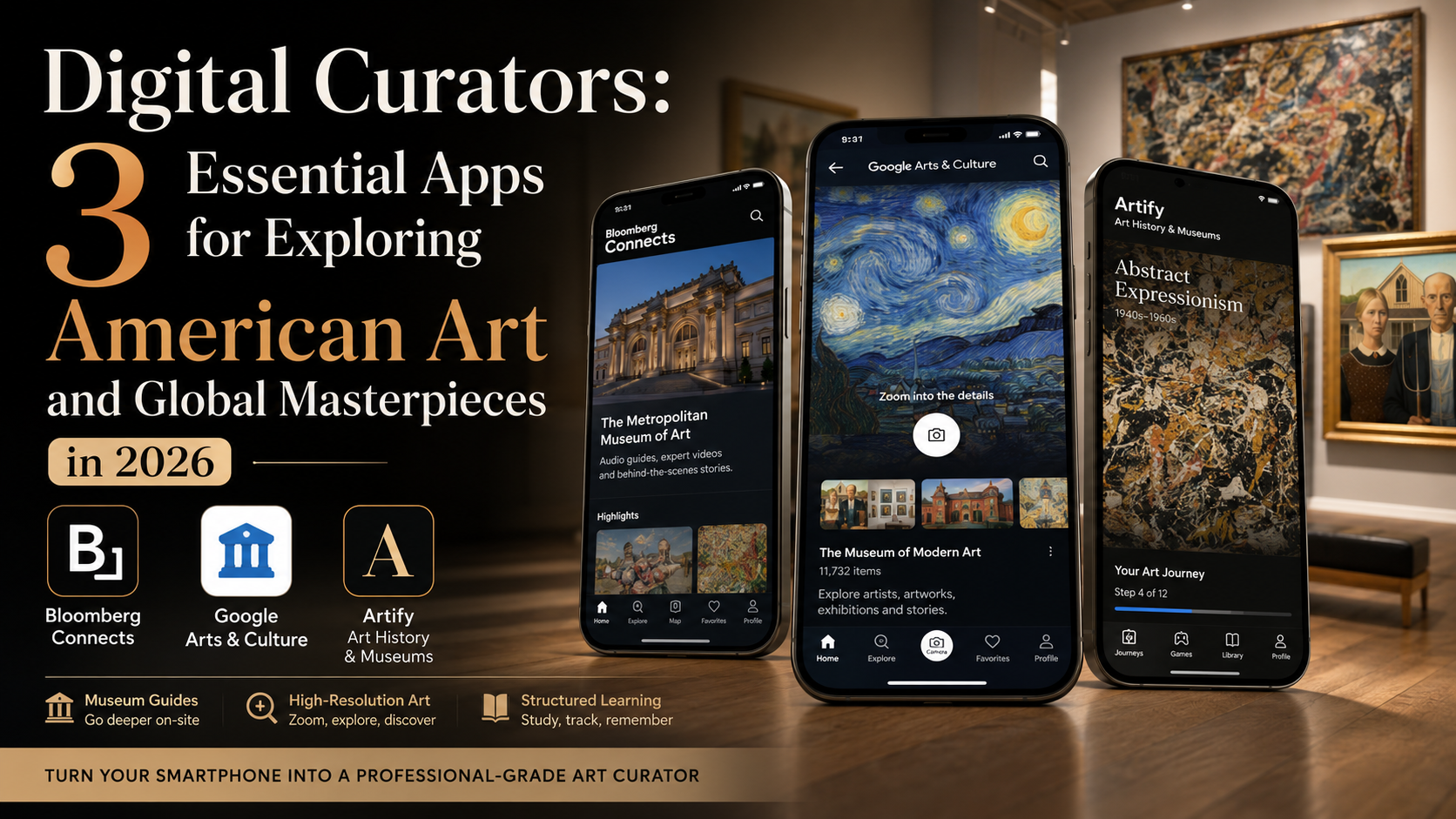
To find the best tools for bridging this gap, our editorial team spent weeks putting mobile art history platforms through a rigorous testing process. We didn't want generic "picture of the day" apps that provide no context; we sought platforms that offer deep-dive educational content, high-resolution viewing capabilities, and, crucially, tools that work both in a museum setting and from the comfort of a home office.
When we tested these apps on the road—using them to navigate museum halls and study during commutes—we evaluated them on three core benchmarks: the depth of their historical metadata, the usability of their interface for deep-dive learning, and the accuracy of their museum-partnered collections. Here are the three apps that successfully turn a smartphone into a professional-grade art curator.
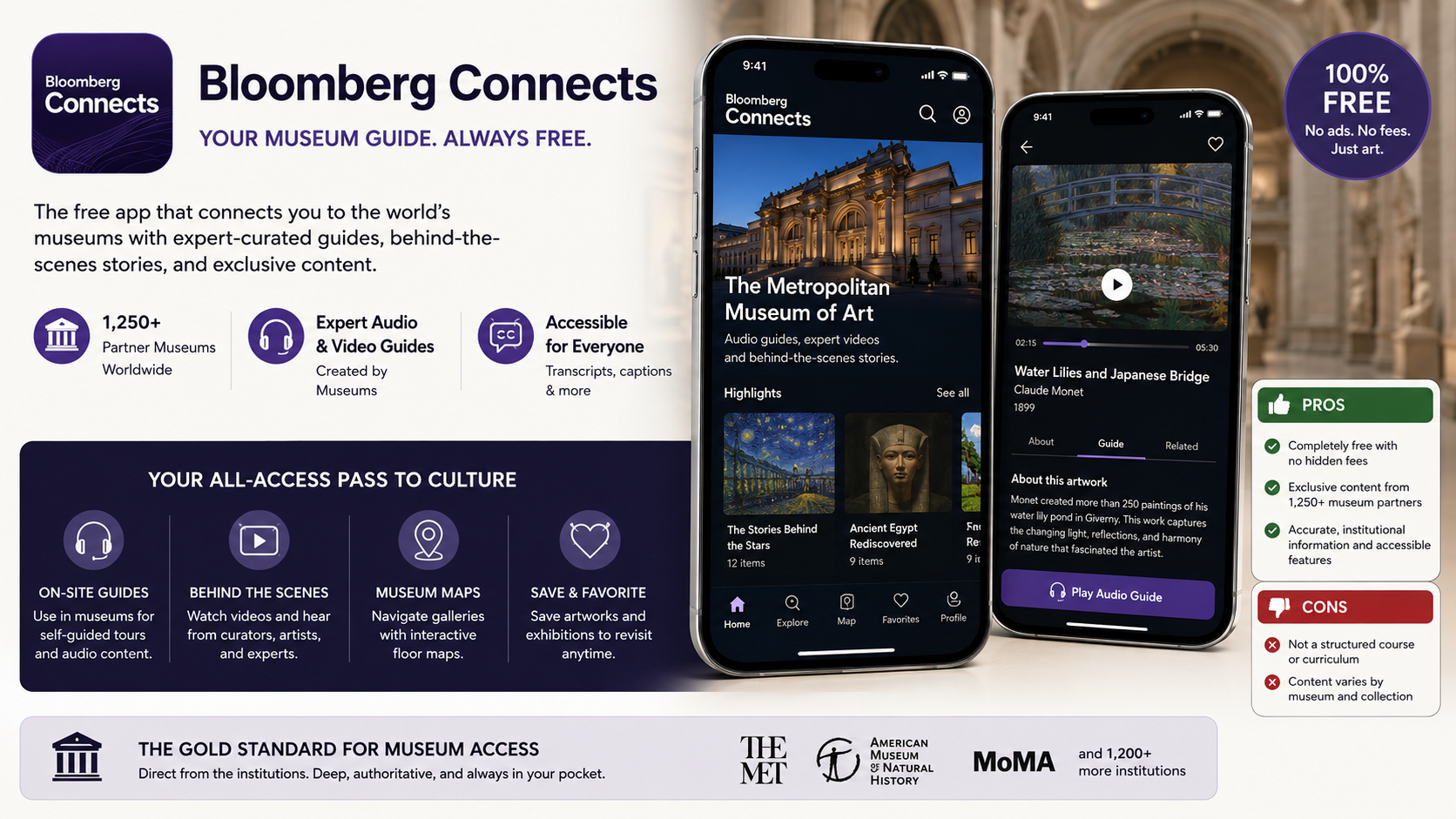
Pricing Model: 100% Free.
Bloomberg Connects is arguably the most significant disruption in the museum space. Rather than being a third-party aggregator of public domain images, it is a direct portal created by Bloomberg Philanthropies to house content directly from the institutions themselves.
The core feature that genuinely elevates this app is the Institution-Led Digital Guide. When we tested the app at various cultural spaces, it didn't just offer generic history; it provided the exact same audio and video content an institution would typically charge for on a rental headset. Because the content is curated by the museums themselves—including major American institutions like the American Museum of Natural History and various modern art galleries—the information is authoritative and exhaustive. It allows users to go behind the scenes, hear from living artists, and engage with expert-led deep dives that aren't found in standard textbooks.
Pros:
Completely free of charge, with no hidden paywalls or subscription tiers.
Exclusive, bespoke content created by curators at over 1,250 partner museums.
Excellent accessibility features, including transcripts and audio guides for the visually impaired.
Cons:
The app is more of a "directory of guides" rather than an interactive "art history course," meaning it doesn't offer quizzes or structured lesson plans.
Content varies wildly based on which specific museum you are exploring, as each institution manages its own digital footprint.
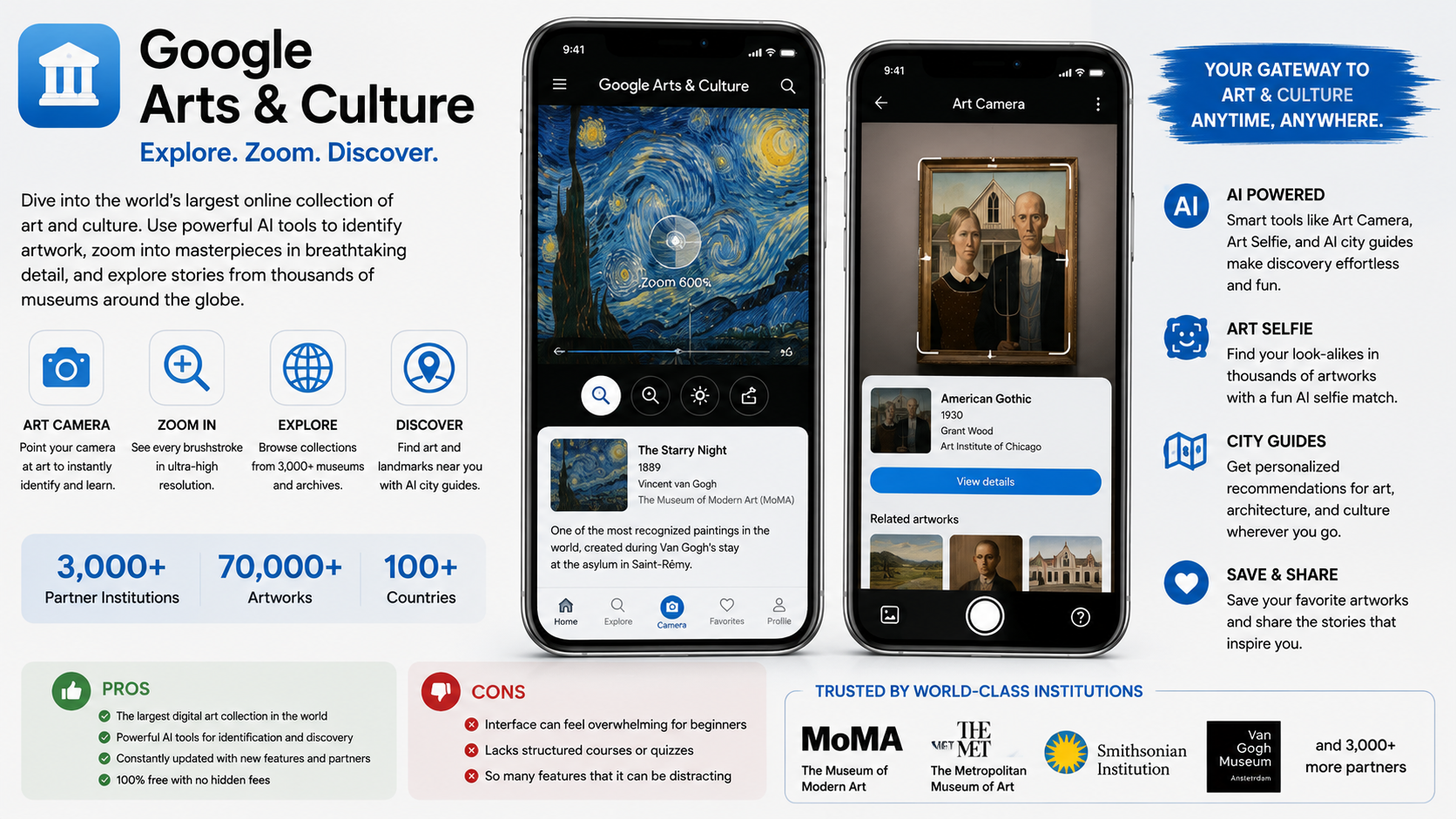
Pricing Model: 100% Free.
Despite being a staple for years, Google Arts & Culture remains the undisputed heavyweight of the art-tech world in 2026. Its integration with thousands of global collections—including the heavy hitters of American art like MoMA and The Met—makes it an essential educational resource.
The standout feature that actually works is the High-Resolution Art Camera & Image Recognition. When we tested this app, we were able to point our device’s camera at a painting in a physical gallery, and the app instantly identified it and pulled up extensive historical context, artist biographies, and comparative works. The "Art Camera" feature allows users to zoom into images to a degree that is impossible with the naked eye, revealing the brushstrokes of a Jackson Pollock or the textures of an American landscape in stunning detail. It effectively turns a smartphone into a high-powered microscope for art history.
Pros:
Access to the largest mobile collection of digital masterpieces on the planet.
Incredible AI-driven features, such as identifying art via camera and "Art Selfie" matching, which keeps engagement high for students.
Constant updates with new experimental features, including AI-driven city guides for finding art and landmarks in real-time.
Cons:
The interface is incredibly dense; it can be difficult for a beginner to find structured, linear learning paths.
Because it tries to do so much (landmarks, face-matching, history), it can feel overwhelming compared to more specialized study tools.
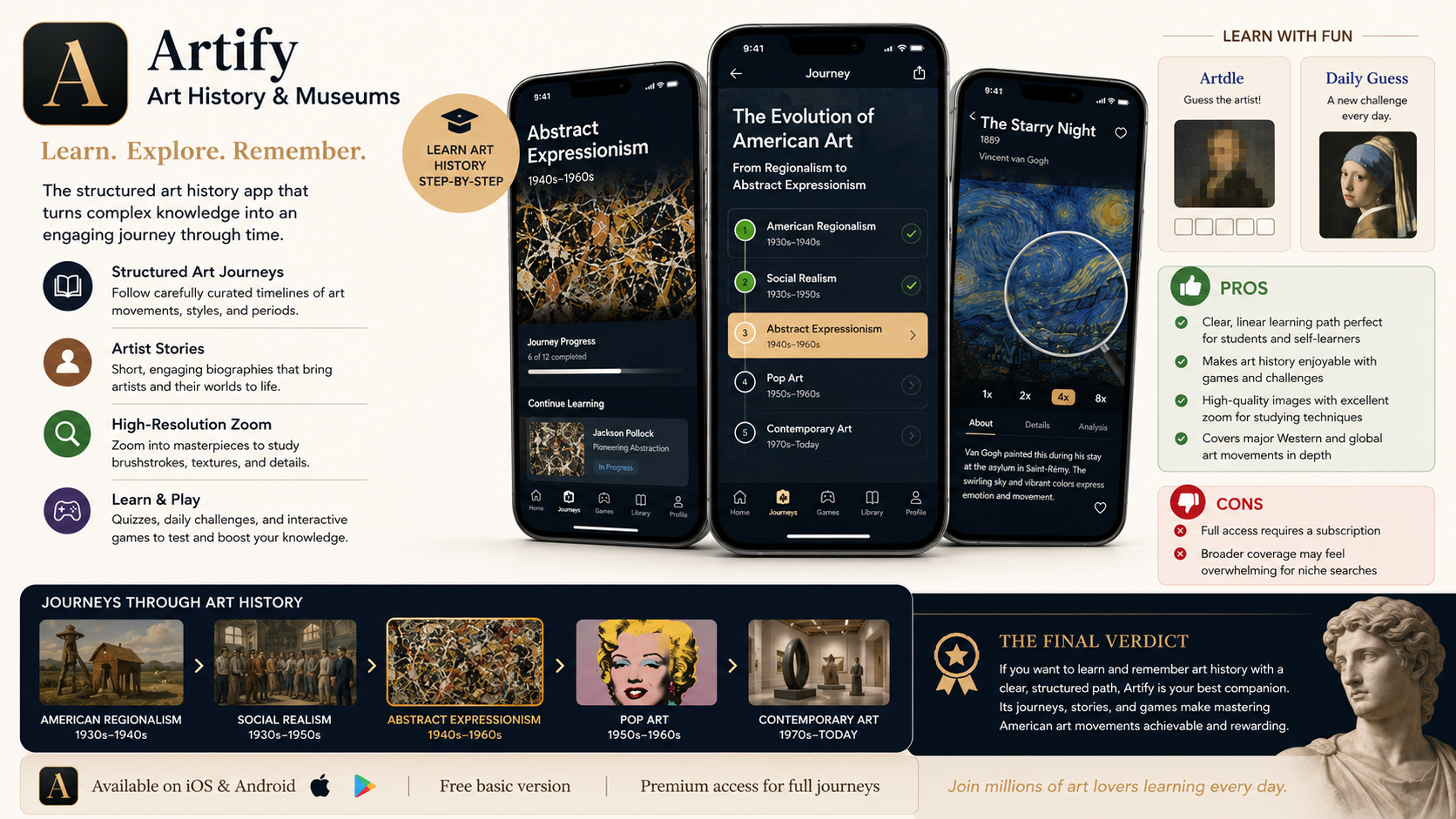
Pricing Model: Free basic version; full features available through subscription (varying by region).
For users who want a more structured approach—something closer to a college survey course—Artify is the most effective platform. It is designed less as a "museum companion" and more as an "art history learning system."
The core feature that truly works is the Structured "Art Journey" framework. Instead of browsing random images, Artify organizes art into movement-based "Journeys" (e.g., Abstract Expressionism, Pop Art, Realism). When we tested this during a self-directed study week, the app guided us through the evolution of American art step-by-step. It provides short, story-driven biographies and quizzes that actually test your retention. It feels less like reading an encyclopedia and more like taking a guided walk through the history of human expression.
Pros:
Provides a clear, linear educational path, which is perfect for students or those preparing for exams.
Includes interactive games like "Artdle" and "Daily Guess" that make memorizing artists and movements genuinely fun.
High-resolution zoom features are excellent for studying specific techniques in American masterworks.
Cons:
Heavily relies on a subscription model for full access to the "Art Journeys."
The app is more focused on Western/global art history, so users specifically seeking only niche regional American art may find the broader scope distracting.
For the comprehensive art history student or museum lover, the choice depends on the specific goal.
If the user wants authoritative, museum-curated guides that work on-site at major cultural institutions, Bloomberg Connects is the absolute best choice. It is the gold standard for institutional access and provides a level of depth that you simply cannot get from an aggregator app.
However, for those who want to learn and memorize art history—whether for a class or personal growth—Artify is the superior tool. Its structured "Art Journeys" eliminate the chaos of general browsing, providing a clear, gamified curriculum that makes mastering complex American art movements, like the transition from Regionalism to Abstract Expressionism, feel achievable and rewarding.