
Most smartphone users assume that full signal bars and a 5G icon mean their connection is entirely secure and functioning as intended. In reality, cellular networks are incredibly complex ecosystems. Signal strength fluctuations, unexpected network downgrades, unusual tower behavior, weak encryption protocols, and abnormal cell handoffs can all compromise the security and reliability of mobile communications.
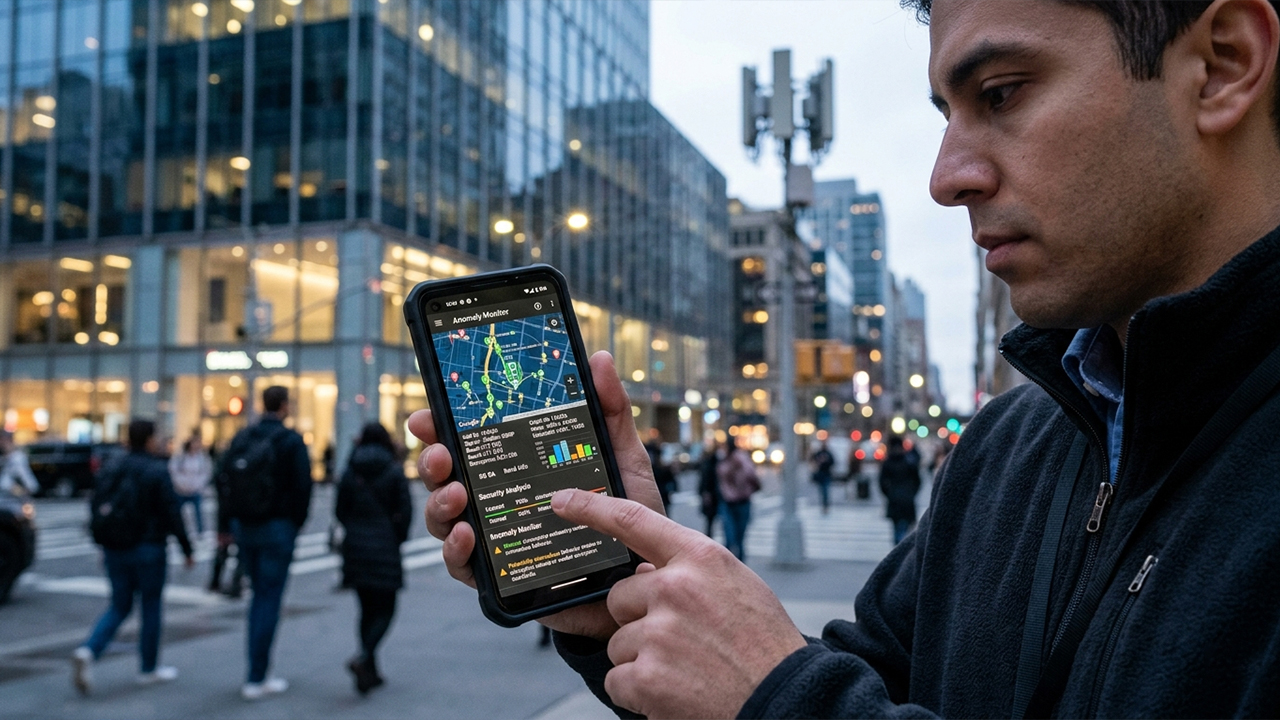
While no consumer-facing application can guarantee the detection of every rogue cell tower or surveillance device, several legitimate tools offer visibility into cellular network behaviors that typically remain hidden. Testing across urban and suburban U.S. carrier networks revealed that the most effective apps are rarely the ones making sensational security promises. Instead, the strongest performers excel at providing transparent network diagnostics, precise tower identification, signal analysis, and anomaly monitoring. Independent research confirms that detecting sophisticated fake cell towers—often referred to as IMSI catchers or Stingrays—is exceptionally difficult, meaning many dedicated "detection" apps come with significant technical limitations.
To determine the top options for 2026, the evaluation focused on several core criteria:
The capacity to monitor real-time cellular network behavior
The depth of cell tower visibility and diagnostics
The inclusion of security-focused network analysis features
Overall ease of use and interface design
Current availability on the Apple App Store or Google Play Store
Pricing transparency
OS Availability: Android
Pricing: Free
Among publicly available mobile network security tools, SnoopSnitch stands out as one of the few applications explicitly engineered to analyze cellular network security vulnerabilities. Developed by Security Research Labs, the app can audit Android security patch levels on virtually any compatible device. On supported, rooted Qualcomm-based smartphones, it goes much deeper by collecting radio-layer data and monitoring for highly suspicious network activity, including indicators associated with fake base stations, user tracking attempts, and SS7-related threats.
Testing on a modern, non-rooted Android device, however, reveals a stark contrast, as the advanced network-security features remain largely unavailable. The application's most powerful diagnostic capabilities continue to depend heavily on specific hardware configurations and root access, requirements that the vast majority of everyday users will not meet.
Pros: It is one of the few genuine cellular-security-focused apps available; free and open-source; capable of monitoring radio-layer security events on supported hardware; holds a strong reputation within mobile security research circles.
Cons: Most advanced diagnostic features require root access; limited device compatibility; the interface can be intimidating for non-technical users; it is not a guaranteed safeguard against IMSI catchers.
The Bottom Line: For Android enthusiasts, developers, and security researchers, SnoopSnitch remains the closest thing to a true mobile-network security analysis tool available in the consumer space.
OS Availability: Android
Pricing: Free with ads and optional in-app purchases on Android; free version available on iOS.
Network Cell Info Lite is not explicitly marketed as a security application, but hands-on testing proved it to be immensely valuable for deciphering exactly how a phone interacts with surrounding cellular infrastructure. The app excels at rendering transparent data on carrier configurations and how those connections evolve over time.
Key metrics displayed by the application include:
Real-time signal strength measured in dBm
RSRP and related LTE/5G performance metrics
Detailed carrier identification data
Cell tower identification numbers
Active network technology types (3G, LTE, 5G)
Historical signal trends and coverage mapping tools
When driving through areas with overlapping carrier coverage, the application makes it simple to spot unusual network transitions, unexpected protocol downgrades, and abrupt tower handoffs that would otherwise happen completely in the background.
Pros: Cross-platform availability on both Android and iOS; excellent real-time network visibility; highly detailed signal diagnostics; useful coverage mapping features; backed by a large user base and a long history of updates.
Cons: Not inherently designed for active threat detection; the data-heavy interface can feel overwhelming initially; advanced engineering metrics may confuse casual users.
The Bottom Line: For individuals who want a practical, clear window into cellular network behavior without needing to root their devices, this application stands as the most functional choice on the market.
OS Availability: Android
Pricing: Free on Google Play (availability may vary by region).
CellInfo takes a strict, data-first approach by focusing almost entirely on engineering-level network diagnostics. During testing, the application stripped away flashy gimmicks to deliver a continuous stream of raw technical data.
The platform provides comprehensive insights into:
Cellular identification tags (Cell IDs)
Advanced LTE and 5G performance metrics
Granular signal quality measurements
Tower location mapping
Network technology generation tracking
Carrier identification and radio statistics
Unlike competing applications that advertise dramatic, unverified "spy tower alerts," CellInfo relies entirely on data transparency. This allows users to observe exactly how the device interacts with the radio environment, removing the guesswork often introduced by questionable security notifications.
Pros: Offers an extensive array of technical and radio-layer information; highly accurate tower mapping; detailed tracking of 5G and LTE metrics; ideal for network hobbyists and engineers.
Cons: Restricted exclusively to the Android ecosystem; features a steep learning curve; possesses limited appeal for mainstream smartphone users.
The Bottom Line: For users demanding maximum technical visibility into cellular network mechanics without any marketing fluff, CellInfo serves as an incredibly capable diagnostic tool.
OS Availability: New Android 16-compatible devices
Pricing: Core system feature, included with supported devices
While technically an operating system update rather than a standalone third-party application, the native mobile network security capabilities introduced in Android 16 warrant a spot on this list. They represent a fundamental shift in how cellular threats are intercepted and handled at the consumer level.
Google has integrated automated network-security notifications designed to alert users to specific risks, including:
Instances where networks request unencrypted device identifiers
Connections that suddenly drop encryption protocols entirely
Potentially anomalous cellular behaviors consistent with tracking attempts
The primary hurdle is deployment. These advanced protections require specialized, modem-level hardware support. Consequently, these features are rolling out primarily on newer Android 16-compatible devices rather than legacy or current-generation hardware.
Pros: Seamlessly integrated directly into the core operating system; requires no third-party installations or subscriptions; inherently more reliable and secure than standalone applications.
Cons: Strictly dependent on modern hardware and updated modems; entirely unavailable on the vast majority of older phones; the feature ecosystem is still evolving.
The Bottom Line: This native integration represents the definitive future of consumer-grade cellular security monitoring, reducing the reliance on third-party diagnostics over time.
Choosing the right tool depends entirely on the operating system of the device and the ultimate goals of the user.
Best for General Use: Network Cell Info Lite. This tool offers the ideal balance of usability, deep network visibility, and cross-platform availability. It provides meaningful insight into tower connections and signal behavior without requiring root access or niche hardware.
Best for Security Researchers: SnoopSnitch. It remains the most security-centric consumer option available. On compatible, rooted Android devices, it delivers radio-layer monitoring capabilities that standard applications simply cannot match.
An important realization verified during testing is that applications promising to definitively identify or block every fake cell tower should be viewed with skepticism. Independent technical research consistently shows that identifying sophisticated IMSI catchers requires highly specialized equipment. The most reliable tools are not those making sensationalized claims, but rather the ones providing transparent, verifiable network data directly to the user.