
Ordering dinner in Tokyo, finding the right train platform in Berlin, or understanding a museum sign in Madrid no longer requires carrying a phrasebook.
Today's best translation apps can instantly recognize text through a phone's camera, translate conversations in real time, and even work without a cellular connection. The challenge isn't finding a translation app—it's choosing one that balances language coverage, speed, offline capabilities, and translation quality.
For this review, several leading apps available on the US Apple App Store and Google Play Store were evaluated based on:
Camera translation accuracy for menus and signage
Offline functionality
Language coverage
Voice conversation features
Ease of use while traveling
The focus was specifically on helping international travelers navigate restaurants, transportation systems, shops, and public spaces.
iOS
Android
Among all apps tested, Google Translate remains the most versatile choice for international travel.
Its camera translation can instantly overlay translated text on menus, signs, and printed documents, while downloadable offline language packs continue to work when mobile service disappears. Conversation Mode also makes basic exchanges with restaurant staff, hotel employees, or taxi drivers remarkably simple.
Its biggest strength is breadth: few competitors support as many languages or offer as many translation methods in one free app.
Extensive language support
Excellent live camera translation
Offline language downloads
Voice, handwriting, and conversation modes
Completely free
Literal translations occasionally miss cultural nuances
Complex idioms can sound unnatural
Free
Travelers visiting multiple countries or needing maximum language coverage.
iOS
Android
When translation quality mattered more than sheer language coverage, DeepL consistently produced the most natural wording, particularly for European languages.
Its camera translation handled restaurant menus and printed signs well, while document translation proved useful for travel confirmations and informational brochures. The free version includes core translation features, with premium subscriptions unlocking additional capabilities such as glossary tools and expanded document features.
Excellent natural-language translations
Camera and photo translation
Clean interface
Strong document translation
Supports fewer languages than Google Translate
Some advanced features require a subscription
Offline support is more limited
Free
Optional subscription (DeepL Pro)
Travelers prioritizing translation accuracy over maximum language coverage.
iOS
Android
Microsoft Translator performed especially well during situations involving conversations rather than simply reading signs.
Offline language packs worked reliably during testing, and the app's multi-person Conversation feature makes it useful for families, tour groups, or international meetings. Camera translation also handled common travel situations effectively.
Free
Reliable offline language packs
Camera translation
Excellent conversation mode
Clean interface
Camera translation can be slightly slower than Google Translate
Fewer travel-focused extras
Free
Families and travelers expecting limited internet connectivity.
iOS
Android
For travel in Japan, South Korea, China, and nearby regions, Papago consistently produced more natural translations than broader competitors.
Restaurant menus, convenience store labels, transportation signage, and everyday conversations often felt more accurate, particularly when translating Korean and Japanese. Although it supports fewer languages overall, its strength within East Asia is difficult to ignore.
Outstanding Korean translation
Excellent Japanese and Chinese support
Camera translation
Voice conversations
Free
Smaller language selection
Less useful for worldwide travel
Free
Travel throughout Japan, South Korea, China, and neighboring countries.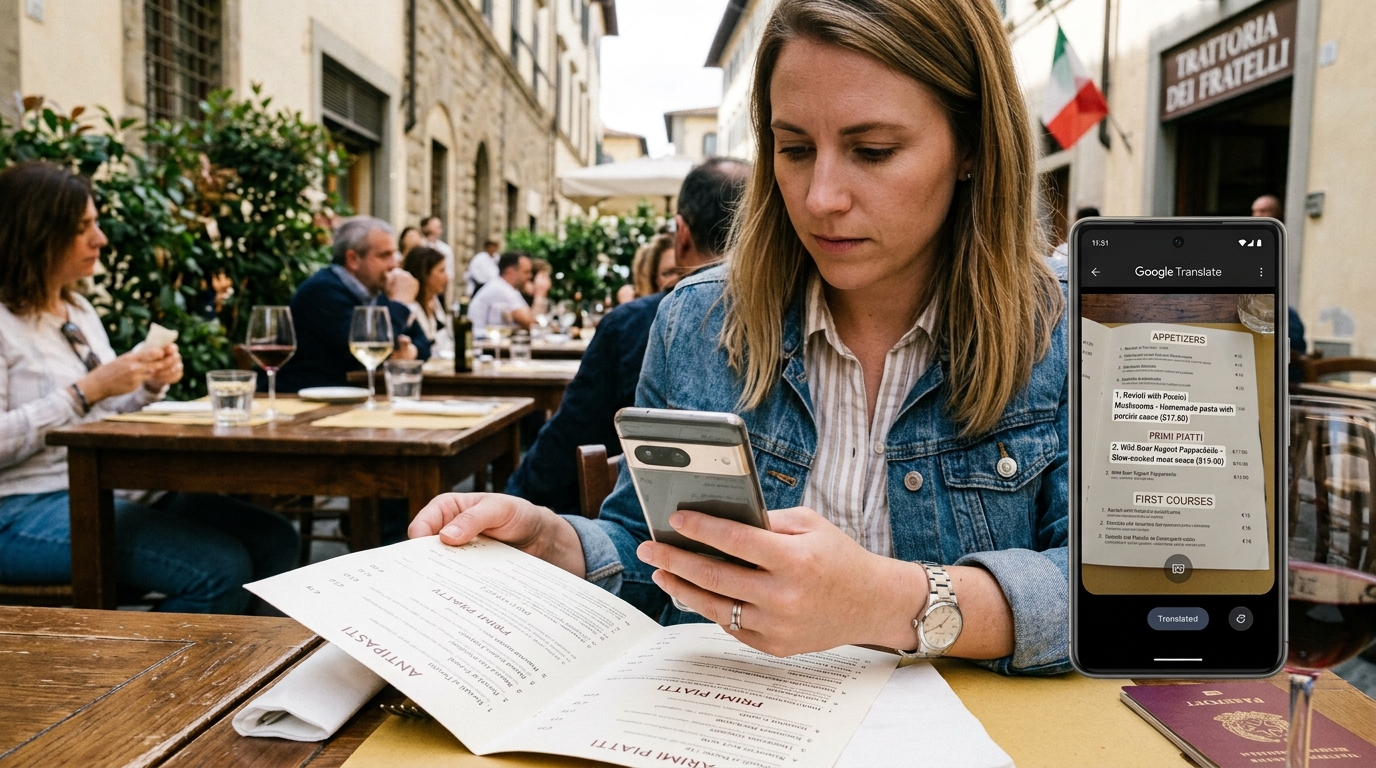
iOS
Android
iTranslate offers a polished travel experience with voice translation, camera translation, and offline language packs available through its Pro subscription.
During testing, its interface was particularly easy for first-time users, and verb conjugation tools added value for travelers trying to communicate beyond basic phrases. However, many of its most useful travel features sit behind the paid tier.
Intuitive interface
Camera and voice translation
Offline support with Pro
Apple Watch support
Free version is relatively limited
Subscription required for key features
Free version available
iTranslate Pro subscription
Frequent international travelers who want additional language-learning features.
For most international travelers, Google Translate remains the strongest overall recommendation.
Its combination of live camera translation, offline language packs, conversation mode, and unmatched language coverage makes it exceptionally effective for reading restaurant menus, understanding transportation signs, and navigating unfamiliar cities.
That said, different travel destinations favor different tools:
Best Overall Translation App: Google Translate
Best Translation Quality: DeepL Translate
Best Offline Conversation Tool: Microsoft Translator
Best for Japan, Korea, and China: Papago
Best Premium Travel Translator: iTranslate
Many experienced travelers keep two apps installed: Google Translate for its unmatched versatility and Papago or DeepL for destinations where translation quality in specific languages can make everyday travel noticeably smoother.